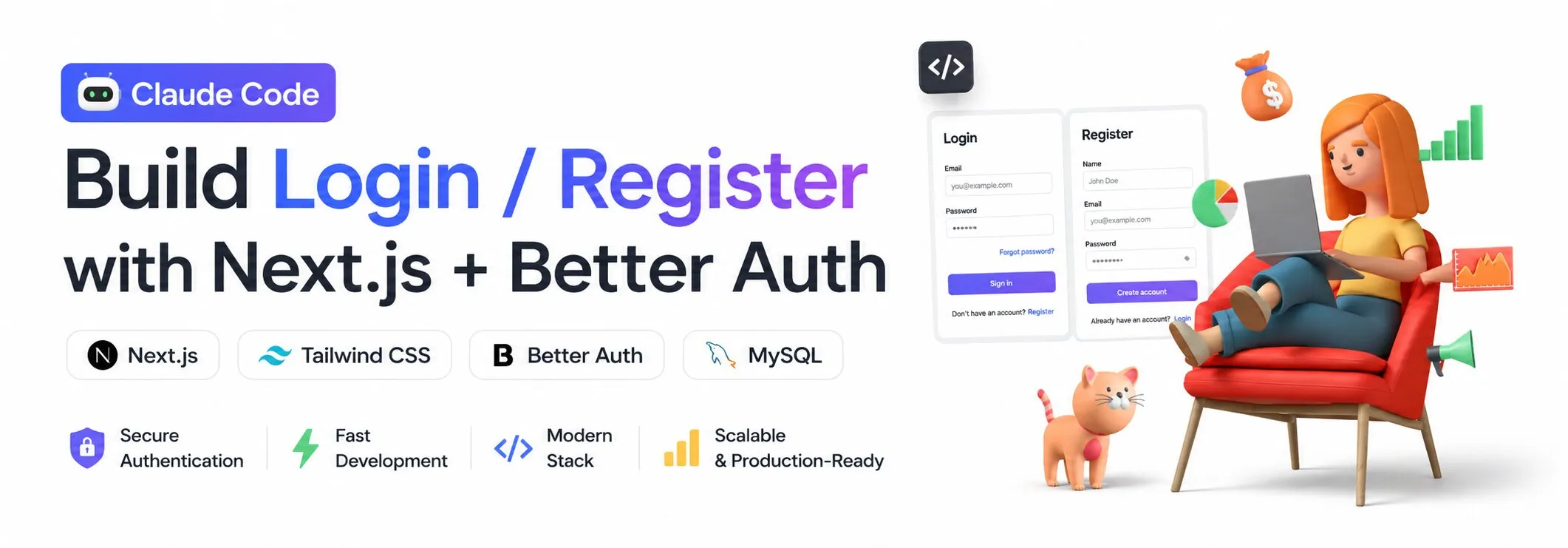
Claude Code Login/Register System
AI native development using Claude Code and Skills
views
| comments
Claude Code + Next.js + Better Auth#
Overview#
สรุปวิธีสร้างระบบ Login/Register โดยใช้:
- Next.js (App Router)
- Tailwind CSS (Design System)
- Better Auth
- MySQL
- Claude Code (AI-assisted development)
Core Concept#
แนวคิดหลักคือ AI-driven development (Vibe Coding)
- ใช้ Claude Code + Prompt เพื่อ generate code
- ใช้ Skills เพื่อ scaffold ระบบ
- ลดการเขียน boilerplate
Architecture#
Frontend (Next.js + Tailwind)
        ↓
Auth Client (better-auth/react)
        ↓
API Route (Next.js)
        ↓
Better Auth Core
        ↓
MySQL Database
Step 1: Setup Project#
npx create-next-app@latest my-auth-app
cd my-auth-app
npm install
Install Tailwind#
npm install tailwindcss
npx tailwindcss init
Step 2: Use Claude Code Prompt#
Example Prompt:
Build a login/register system using:
- Next.js App Router
- Tailwind CSS
- Better Auth
- MySQL
- Include register, login, dashboard (protected route)
Claude จะ generate:
- Folder structure
- API routes
- Auth logic
- UI pages
Step 3: Setup Better Auth#
Install:
npm install better-auth mysql2
Create config:
// lib/auth.ts
import { betterAuth } from "better-auth";
import mysql from "mysql2/promise";

export const auth = betterAuth({
  database: mysql.createPool({
    host: "localhost",
    user: "root",
    password: "",
    database: "auth_db",
  }),
  emailAndPassword: {
    enabled: true,
  },
});
Step 4: API Route#
// app/api/auth/[...all]/route.ts
import { auth } from "@/lib/auth";
import { toNextJsHandler } from "better-auth/next-js";

export const { GET, POST } = toNextJsHandler(auth);
Step 5: Auth Client (Frontend)#
// lib/auth-client.ts
import { createAuthClient } from "better-auth/react";

export const { signIn, signUp, signOut, useSession } =
  createAuthClient();
Step 6: Register Page#
"use client";

import { signUp } from "@/lib/auth-client";

async function handleSubmit(e) {
  e.preventDefault();

  const formData = new FormData(e.currentTarget);

  await signUp.email({
    email: formData.get("email"),
    password: formData.get("password"),
    name: formData.get("name"),
  });
}
Step 7: Login Page#
"use client";

import { signIn } from "@/lib/auth-client";

await signIn.email({
  email,
  password,
});
Step 8: Protected Route#
const session = await auth.api.getSession({
  headers: await headers(),
});

if (!session) {
  redirect("/login");
}
Step 9: Database (MySQL)#
Better Auth จะจัดการ:
- user table
- session table
- account table
- verification table
⚡ Key Benefits#
1. Claude Code#
- ลดเวลาเขียน code
- Generate ระบบได้เร็ว
2. Better Auth#
- ไม่ต้องเขียน auth เอง
- ลด security risk
3. Tailwind#
- สร้าง UI ได้เร็ว
- Design consistency
Benefits#
Traditional Approach#
- เขียน auth เอง
- ใช้เวลานาน
- เสี่ยง security bug
Modern Approach#
- ใช้ Better Auth
- ใช้ AI generate code
- Focus business logic
Suggested Extensions#
- Google OAuth Login
- Role-based access control (RBAC)
- Email verification
- Multi-tenant support (SaaS)
Summary#
การใช้ Claude Code + Better Auth + Next.js:
- ลด development time อย่างมาก
- ได้ระบบที่ scalable
- เหมาะกับ modern AI-native development workflow